SimplyGluco

EVERYDAY DIABETES CARE

Less to juggle.
More clarity.

SimplyGluco helps you organize the details of diabetes care—from what was eaten to what needs restocking—so your next step is easier to see.

See what you can do
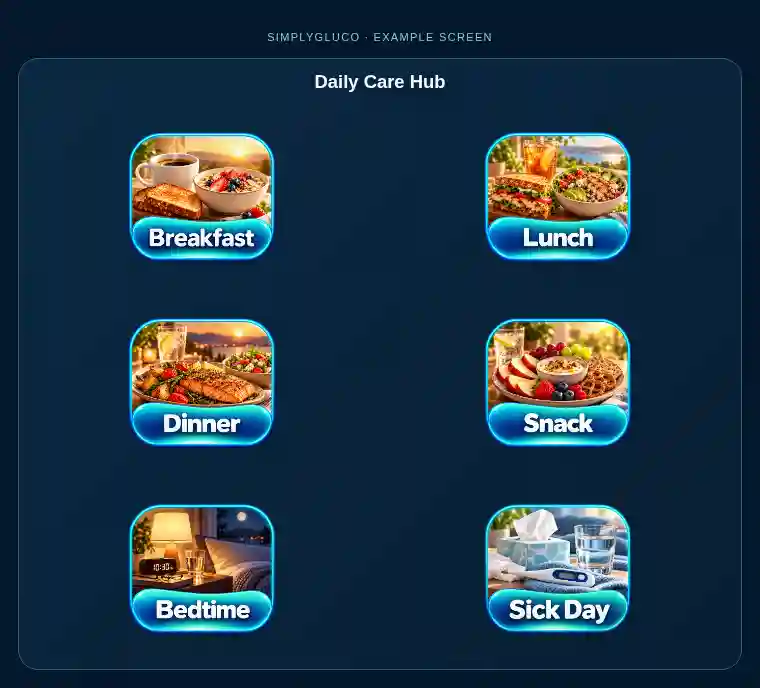
SimplyGluco Daily Care Hub with Breakfast, Lunch, Dinner, Snack, Bedtime, and Sick Day buttons
Choose a part of your day to start or review a care entry. Tap any screenshot to enlarge it.

EXPLORE SIMPLYGLUCO

Choose a feature. See how it works.

Use the tabs to explore actual controls and example screens. No personal care records are shown.

INJECTION SITES & ROTATION

Choose a site with the rotation in view.

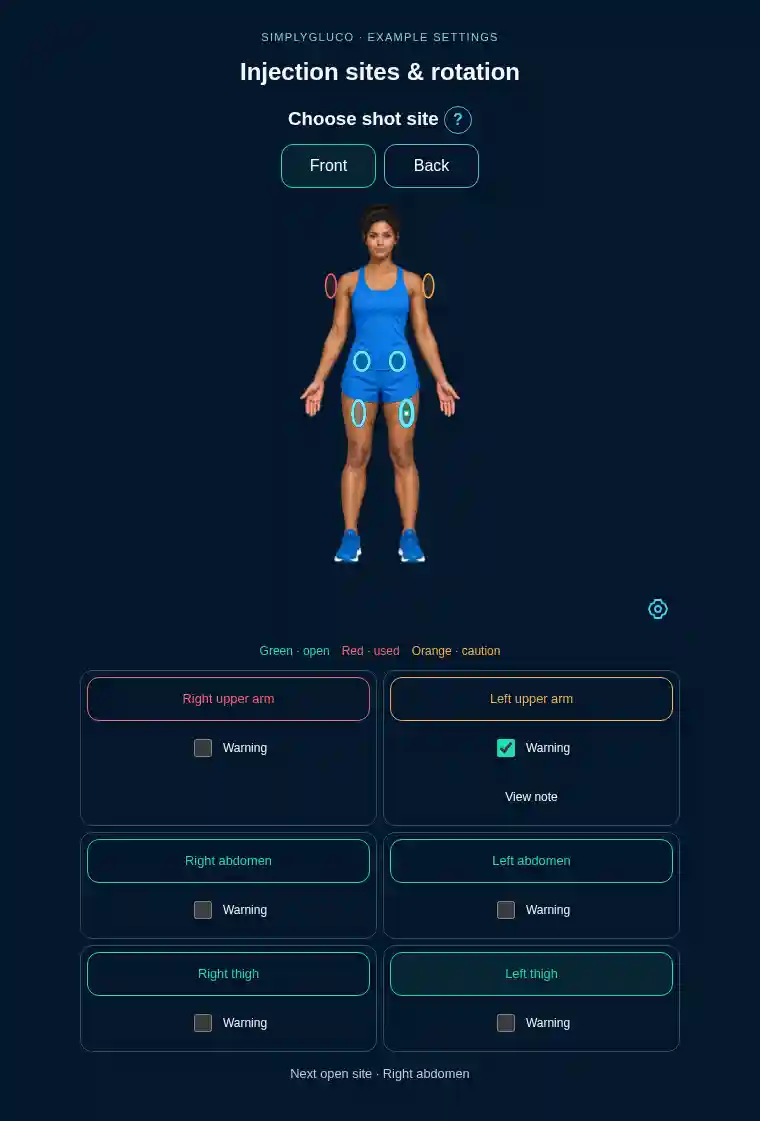
Select a site on the front or back avatar and mark the location within that area. Track sites used in the current rotation, choose which areas participate, and see the next open site. Add a caution with a short note when an area needs attention; caution-marked areas are skipped by rotation.
Example SimplyGluco choose a site with the rotation in view. screen
Example: one arm is marked used, another has a caution, and a thigh is selected. Open tracks use in the rotation; your care team guides which sites are suitable. Choosing a location alone does not record a shot.

A FEW PRACTICAL DETAILS

Before you begin.

Can I use it on a phone or computer?

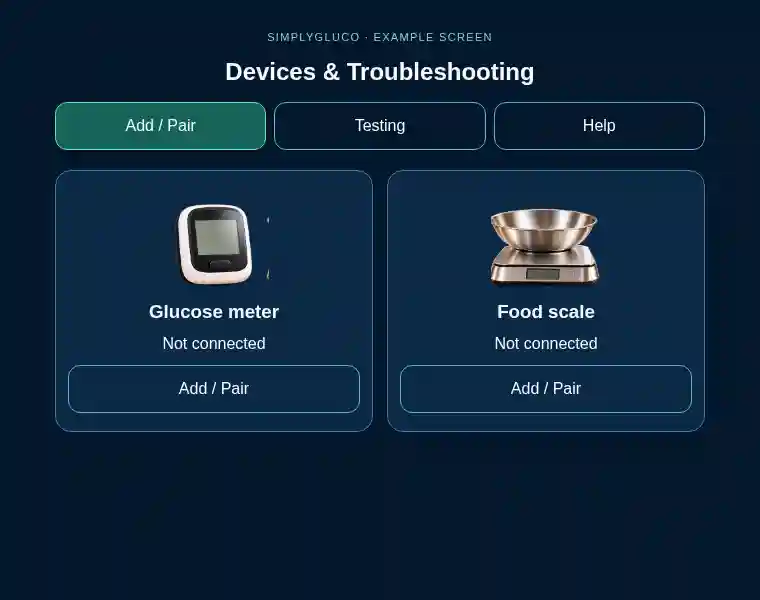
The web tracker can be opened in a browser on a phone, tablet, or computer. Connected meters and scales have their own compatibility requirements.

What if I do not have a connected meter?

You can enter a glucose reading by hand. A connected meter or scale is optional.

Does SimplyGluco replace my care team?

No. It helps organize records and routines. Follow your care team’s instructions for treatment and changes to your diabetes care plan.